
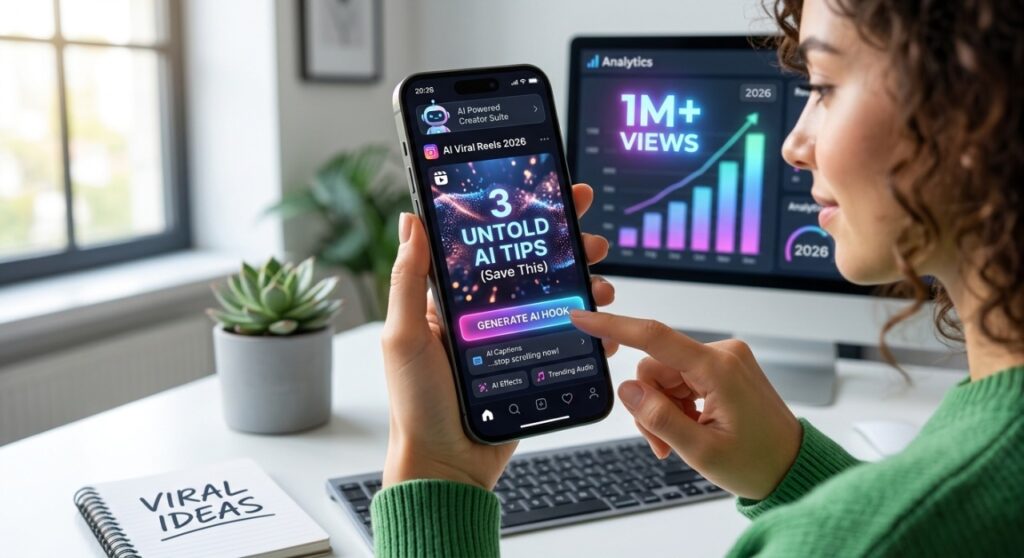
Short-form video is no longer optional. Instagram Reels, TikTok, and YouTube Shorts are the fastest way to grow an audience online in 2026 — but most people do not post consistently because creating videos feels too slow, too technical, or too expensive. What if you could create viral reels with AI in a fraction of the time, without a camera, a microphone, or any video editing experience?
That is exactly what this guide covers. You will learn the step-by-step process to create AI-powered reels that get views, attract followers, and — if you are a business owner or creator — drive real sales. No fluff, no theory. Just the actual process.
Why AI Reels Are Outperforming Regular Content in 2026

Before getting into the how, it is worth understanding why this works. The Instagram and TikTok algorithms in 2026 do not care how a video was made — they only care about one thing: does it make people stop scrolling and watch to the end?
AI-generated reels consistently perform well because:
- They are visually dynamic — AI tools create fast-paced, eye-catching visuals that trigger the ‘pattern interrupt’ that stops scrolls
- They are produced faster — creators using AI post 3 to 5 times more often, and consistency is the single biggest driver of algorithmic growth
- They are cheap to test — because each reel takes 20 minutes instead of 3 hours, you can try 10 ideas and keep the ones that work
- They do not require you on camera — a huge barrier removed for most people
The result is that small accounts using AI content tools are now regularly out-growing larger accounts that rely on traditional video production. You do not need a studio or a following to get started.
💡 The #1 mistake creators make is waiting until their content is ‘perfect.’ An average reel posted consistently beats a perfect reel posted once a month, every time.
What You Need Before You Start
You do not need expensive equipment. Here is the actual minimum setup:
- A smartphone or laptop — any device made after 2020 is fine
- A free Canva account — for text overlays, thumbnails, and short animated clips
- A free CapCut account — for putting the reel together with transitions and captions
- A topic or niche — the more specific, the better (more on this below)
- A ready-made AI content bundle — optional, but cuts production time by 80%
That is genuinely all you need. The tools below are free to start. The paid upgrades are optional and only matter once you are posting consistently.
Step-by-Step: How to Create Viral Reels with AI
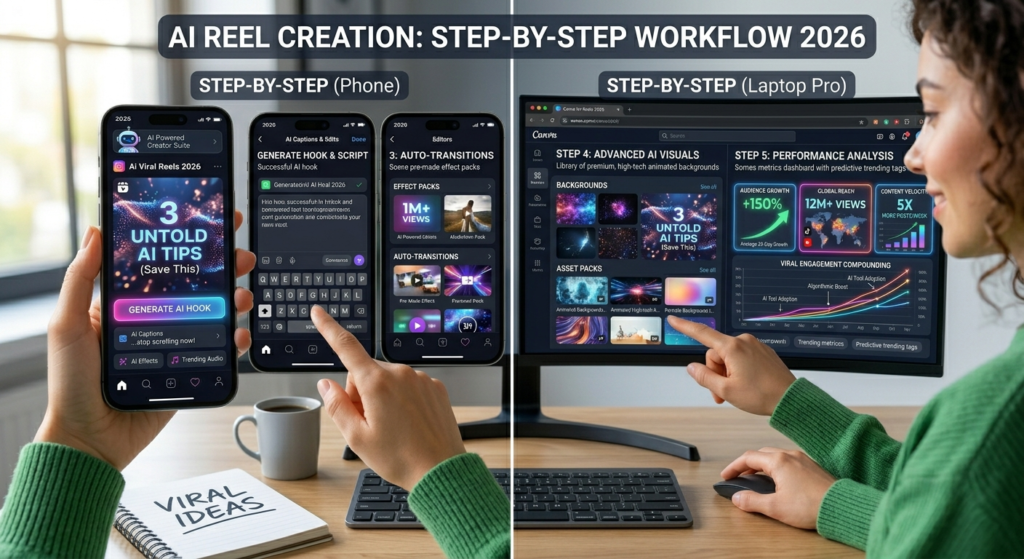
Step 1 — Choose a Proven Reel Format
Not all reel formats perform equally. These are the five formats that consistently go viral across niches in 2026:
- The ‘3 things you didn’t know about X’ format — educational, highly shareable
- The before/after format — transformation content always gets saves and shares
- The ‘this one mistake is costing you X’ format — creates urgency and curiosity
- The tutorial format — ‘How to do X in 60 seconds’ — extremely high completion rate
- The myth-busting format — ‘Stop doing X. Here’s why’ — triggers comments and debate
Pick one format and stick with it for your first five reels. Do not try to be creative with the format yet — learn what works in your niche first, then experiment.
Step 2 — Write Your Script with ChatGPT
Once you have your format, use ChatGPT to write your script. A reel script is not an essay — it is 60 to 90 words maximum, broken into short punchy sentences. Use this prompt directly:
Write a 75-word script for an Instagram Reel about [your topic]. Use the format: hook (1 sentence that creates curiosity), 3 fast tips or facts (one sentence each), and a closing call to action (1 sentence). Use short, punchy sentences. No filler words. The tone should be confident and direct.
💡 Add ‘Write it for a [freelancer / small business owner / beginner] audience’ to the prompt for more targeted scripts.
Step 3 — Create Your Visuals with Canva or AI Video Tools
You have two options for visuals, depending on your style:
- Option A — Text-on-background reels: Use Canva’s Reel templates. Drop your script sentences onto animated slides. Fast, clean, works for every niche.
- Option B — AI video clips: Use tools like Pika, RunwayML, or CapCut’s AI video generator to create short clips that match your script. More dynamic but takes slightly longer.
For most beginners, Option A (Canva text reels) is the right starting point. You can produce a complete reel in under 20 minutes. Option B is worth exploring once you are posting consistently and want to level up your visuals.
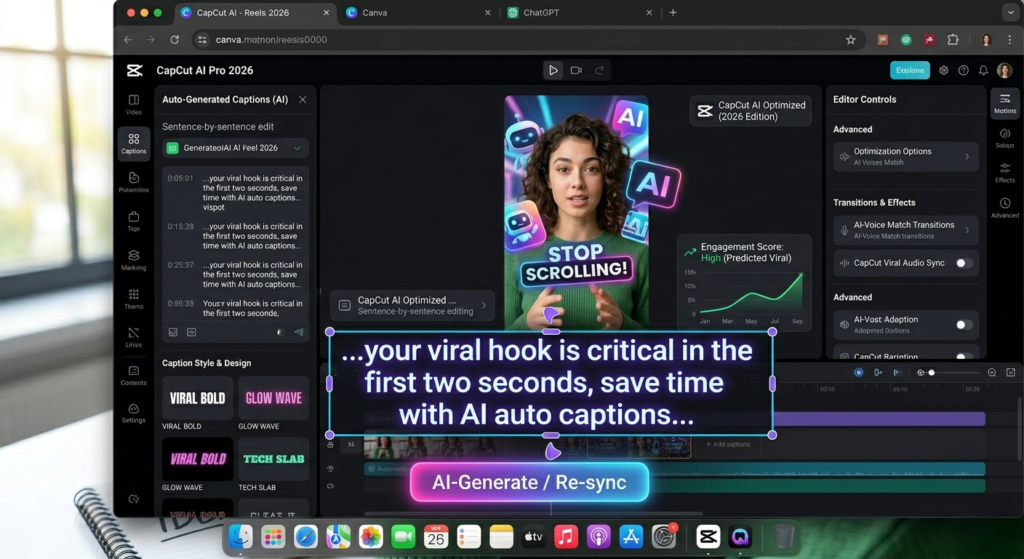
Step 4 — Add Captions, Music, and Transitions in CapCut
CapCut is free and has the best auto-caption feature available in 2026. Here is the process:
- Import your Canva slides or AI clips into CapCut
- Use Auto Captions — CapCut will read your voiceover or add text automatically
- Add a trending audio track — CapCut shows you which sounds are trending right now
- Add 2 to 3 transitions between clips — keep them subtle, not flashy
- Export at 1080×1920 (vertical format) for Reels and TikTok
The whole editing process in CapCut should take 10 to 15 minutes once you know the layout.
Step 5 — Write Your Caption and Hashtags
Your reel caption does not need to be long. The algorithm reads it, but viewers mostly do not. A good formula:
- Line 1: Restate the hook from your video (‘Most creators get this wrong…’)
- Line 2: One-sentence expansion or teaser
- Line 3: Call to action (‘Save this for later’ or ‘Follow for more AI tips’)
- Hashtags: 5 to 8 specific hashtags, not generic ones like #viral or #fyp
💡 For DigiHomeStore, strong hashtags include: #ChatGPTprompts #CanvaTemplates #AItools #digitalproducts #contentcreator #AIreels #Canva2026
How Often Should You Post AI Reels?
Consistency beats quality when you are starting out. The algorithm rewards accounts that post regularly far more than accounts that post occasionally but perfectly.
A realistic posting schedule using AI tools:
- Minimum: 3 reels per week
- Recommended: 5 reels per week
- Growth mode: 1 reel per day for 30 days (this is what most viral accounts do to break through)
At 20 minutes per reel using AI tools, five reels per week is under two hours of work. That is a manageable commitment that will produce real results within 4 to 6 weeks of consistent posting.
The 30-day reel challenge: Post 1 AI reel every day for 30 days. Most creators who do this see their first viral video within that window.
The Shortcut: Ready-Made AI Viral Reel Bundles
Everything above works — but it still takes time to build from scratch. If you want to skip the setup phase entirely, AI viral reel bundles are pre-made content packs that give you ready-to-edit video clips, scripts, hooks, and templates organized by niche.
Instead of starting with a blank CapCut timeline, you start with 50 or 100 professionally produced clips that are already optimised for virality. You drop in your text, adjust the colours to match your brand, and post. The editing time drops from 20 minutes to under 5 minutes per reel.
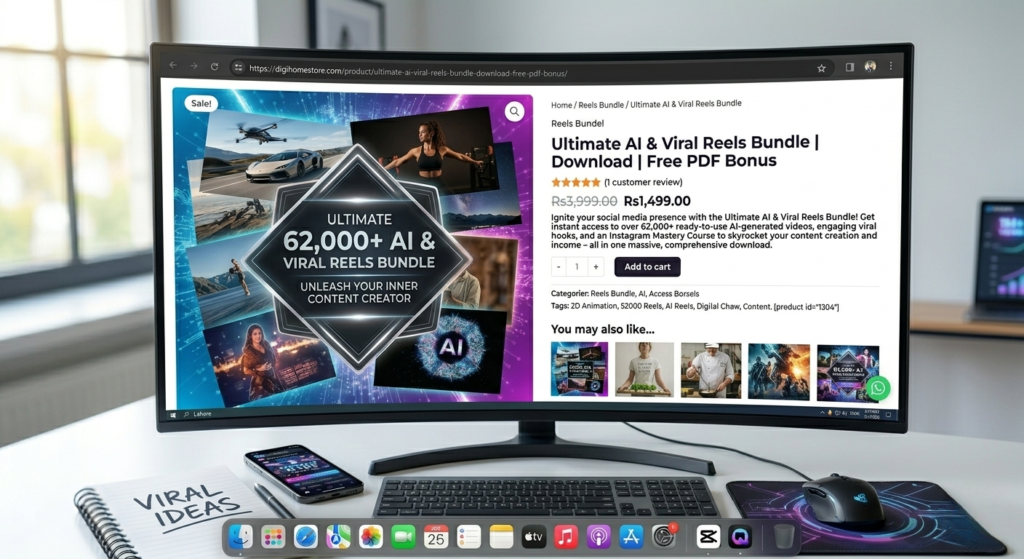
This is exactly the type of content our AI & Viral Reels Bundle at DigiHomeStore was built for. It includes over 62,000 AI-generated video clips across dozens of categories — motivational, business, lifestyle, nature, abstract, and more — with a free PDF bonus guide on how to use them effectively.
You can browse the full AI & Viral Reels Bundle here — or check out our ChatGPT prompts for freelancers guide if you also want to speed up your caption and script writing process.
-
Reels Bundel
Ultimate AI & Viral Reels Bundle | Download | Free PDF Bonus
Original price was: ₨3,999.00.₨1,499.00Current price is: ₨1,499.00. Add to cart

Common Mistakes to Avoid When Making AI Reels
Most people who try AI reels and give up make one of these five mistakes:
- Posting without a hook: The first 1 to 2 seconds determine everything. If your opening frame does not create curiosity, nobody watches.
- Using copyrighted music: Always use royalty-free audio from CapCut’s library or Instagram’s music library. Using a popular song without rights will get your reel muted or removed.
- Making reels too long: In 2026, the sweet spot for Reels is 15 to 30 seconds. Anything over 45 seconds needs to be genuinely compelling to hold attention.
- Inconsistent branding: Pick one font style and one colour palette and use them on every reel. This builds recognition over time.
- Quitting too early: Most creators see very little traction in the first two to three weeks. Week four and five are where things start to compound.
Start Creating Viral Reels with AI Today
You now have the complete process to create viral reels with AI — from choosing your format and writing your script with ChatGPT, to editing in CapCut and posting consistently. None of this requires a camera, video editing skills, or a big budget.
The only thing that stands between you and a growing account is starting. Pick one reel format from this list, write your first script using the ChatGPT prompt above, and post it this week. That first reel will teach you more than any guide can.
If you want to fast-track the process, the AI & Viral Reels Bundle at DigiHomeStore gives you 62,000+ ready-to-edit clips so you can skip the hardest part and go straight to publishing. And if you found this guide useful, share it with a fellow creator — it might be the push they needed to start.