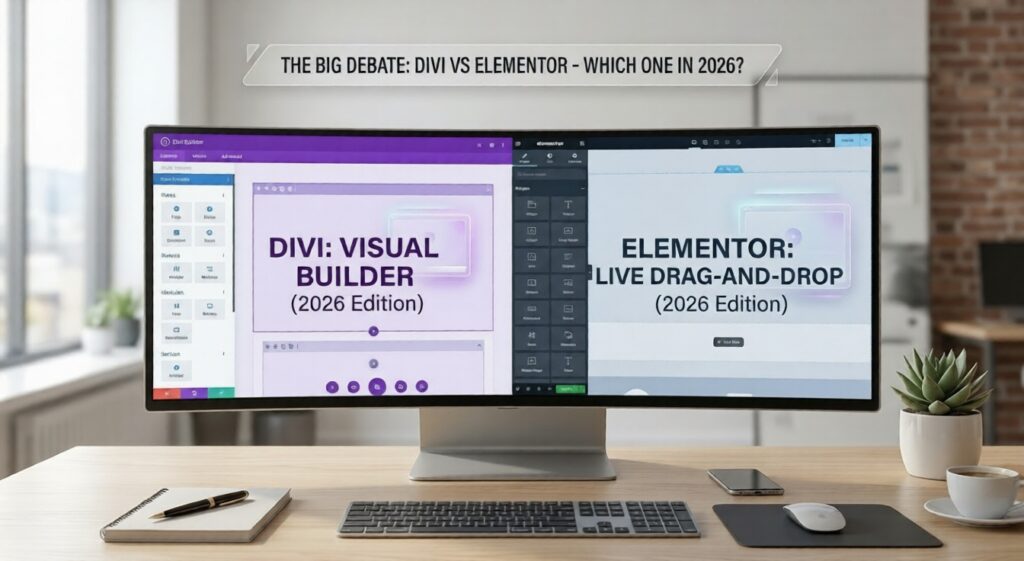
If you have ever tried to build a WordPress website, you have almost certainly come across this debate: Divi vs Elementor. Both are powerful drag-and-drop page builders that let you design beautiful websites without writing a single line of code. But they work differently, cost differently, and suit different types of users.
This guide breaks down the real differences between Divi and Elementor in 2026 — pricing, ease of use, speed, design flexibility, and which one is actually right for you. By the end, you will have a clear answer instead of more confusion.
What Is Divi?
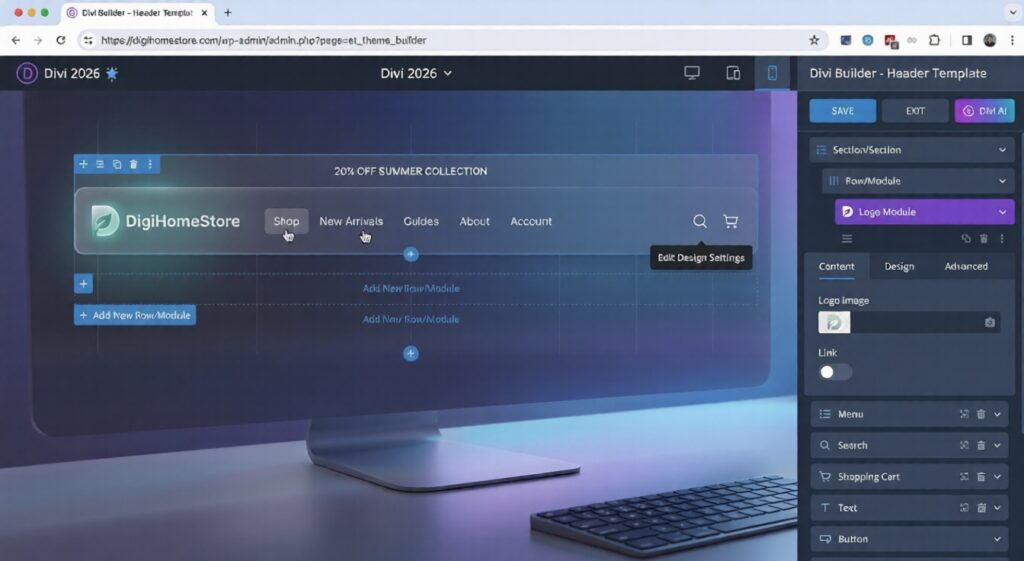
Divi is a WordPress theme and page builder made by Elegant Themes. It has been around since 2013 and is one of the most widely used page builders in the world, with over 800,000 active websites built on it.
What makes Divi unique is that it is both a theme and a builder at the same time. When you install Divi, it replaces your WordPress theme entirely. The builder is deeply integrated into how your site looks and functions. You design everything — headers, footers, blog layouts, product pages — all inside the same interface.
Key facts about Divi in 2026:
- Made by Elegant Themes
- Works as both a theme and a page builder
- Comes with 2,000+ pre-made layouts and templates
- Includes a built-in A/B testing tool (called Split Testing)
- Lifetime license available — pay once, use forever
What Is Elementor?
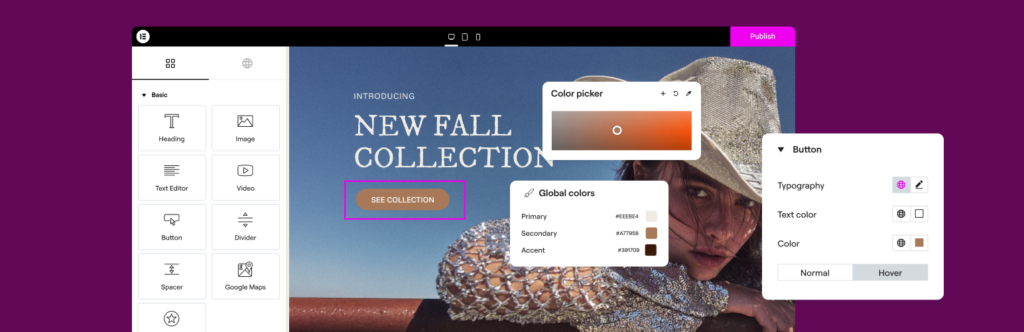
Elementor is a WordPress plugin — not a theme — launched in 2016. It works on top of any WordPress theme, which means you keep your existing theme and use Elementor to design your page content. It quickly became the most popular page builder in the WordPress ecosystem, powering over 12 million websites globally.
Elementor’s strength is its live drag-and-drop editor. What you see while building is exactly what your visitors will see. There is no preview button — it is always live.
Key facts about Elementor in 2026:
- A plugin that works with any WordPress theme
- Free version available (Elementor Free)
- Pro version adds advanced widgets, popups, and WooCommerce support
- Huge third-party ecosystem — hundreds of add-on plugins available
- 90+ pro widgets and 300+ templates in the paid version
Divi vs Elementor: Pricing Compared
This is often the first question people ask — and it is where the two builders are most different.
Divi Pricing
- Annual plan: $89/year — unlimited websites
- Lifetime plan: $249 one-time — unlimited websites, forever
- Includes everything: Divi theme, Divi Builder, Extra theme, Bloom plugin, Monarch plugin
The lifetime plan is genuinely one of the best value deals in WordPress. If you are building more than one site or plan to use it long-term, $249 once beats paying annually.
Divi Verdict: Exceptional value, especially the lifetime plan.
Elementor Pricing
- Free: Available on WordPress.org — limited widgets, no pro features
- Essential (1 site): $59/year
- Advanced (3 sites): $99/year
- Expert (25 sites): $199/year
- Agency (1000 sites): $399/year
Elementor Free is a legitimate option for simple websites. However, for WooCommerce stores, popups, or advanced layouts, you will need the Pro version.
Elementor Verdict: More expensive long-term, but the free version lowers the barrier to entry.
💡 If you are building your store on DigiHomeStore and already have Divi (Elegant Themes), you are already ahead — Divi’s Lifetime license means zero recurring cost for your page builder, ever.
Ease of Use: Which One Is Easier to Learn?
Divi — Visual and Flexible, Slight Learning Curve
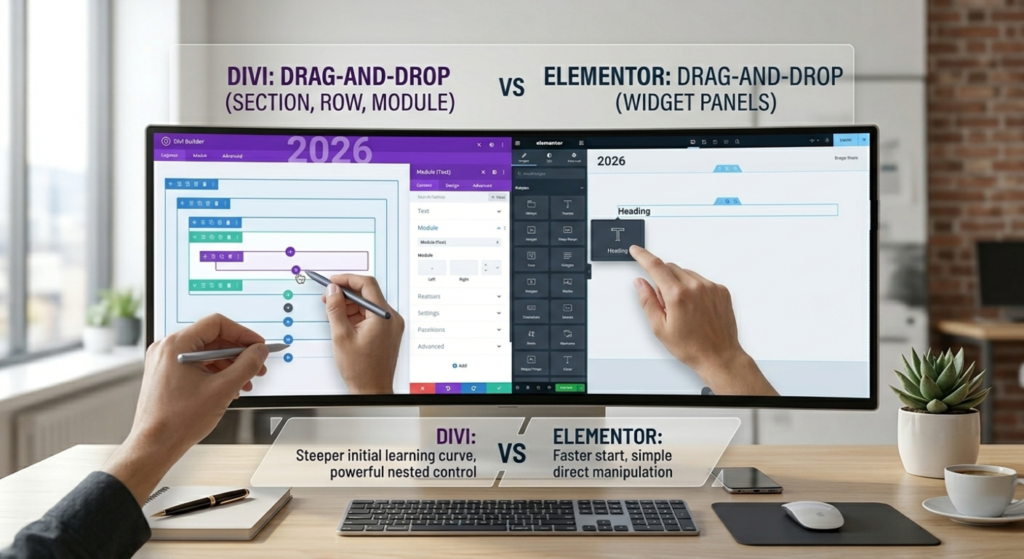
Divi uses a column and row system. You click a blue + button to add a section, choose how many columns you want, then add modules (text, image, button, video, etc.) inside each column. Once you understand the three-level structure — Sections → Rows → Modules — it becomes intuitive.
The slightly steeper learning curve comes from Divi’s settings panel. Each element has dozens of customization options across multiple tabs. It is powerful but can feel overwhelming when you first open it.
Elementor — Beginner-Friendly, Faster Start
Elementor’s interface feels more familiar. Your widgets (text, images, buttons) are on the left panel. You drag them onto your canvas on the right. That is it. There is no learning a three-level structure first — you just drag and drop.
For complete beginners, Elementor is generally faster to get started with. Most people can build their first page in under an hour without watching any tutorials.
Winner for beginners: Elementor
Winner for full control: Divi
Design Flexibility and Templates
Both builders offer a huge library of pre-built templates — but there are important differences in how you use them.
Divi Templates
Divi comes with over 2,000 layout packs — full website design sets for specific niches (restaurant, portfolio, e-commerce, blog, coaching, etc.). Each pack includes multiple pages designed to work together. You can import an entire website in seconds and then customize it.
Divi also has a global styling system. If you change your brand colour in one place, it updates across every element that uses that colour on every page. This is a massive time saver for serious website projects.
Elementor Templates
Elementor has 300+ pro templates and a strong third-party template marketplace. However, most templates are individual pages — not full site kits. Elementor’s Site Kit feature (added in recent versions) is catching up, but Divi’s layout library is still larger overall.
Elementor’s design system is also improving with the introduction of Global Design Tokens — allowing you to set fonts and colours site-wide. But Divi still has the edge in how deeply this is integrated.
Winner for templates and global design: Divi
Speed and Performance in 2026
Page speed is critical in 2026. Google uses it as a ranking factor, and slow websites lose visitors. This is where both builders have faced criticism — and both have worked hard to improve.
Divi Performance
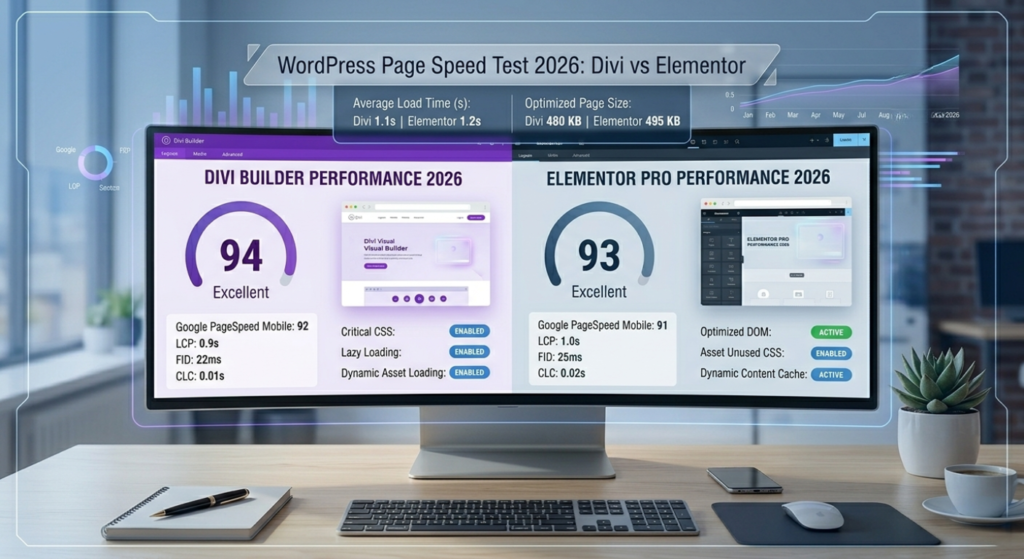
Historically, Divi produced heavier pages with more CSS and JavaScript. Elegant Themes addressed this with Divi’s Performance package — a set of tools that enable CSS caching, critical CSS, lazy loading, and dynamic asset loading. With these settings enabled and a good hosting provider, Divi sites now score well on Google PageSpeed Insights.
Elementor Performance
Elementor introduced Elementor Optimized DOM in recent versions, which significantly reduced the number of HTML elements generated per page. Combined with improved asset loading, Elementor Pro pages now perform much better than they did three years ago.
In head-to-head tests in 2026, the speed difference between a well-optimized Divi site and a well-optimized Elementor site is minimal. The bigger factor is usually your hosting provider and whether you have a caching plugin enabled (like WP Rocket or LiteSpeed Cache).
Winner for speed: Tie — both are fast when properly configured
💡 No matter which builder you use, install a caching plugin. Without one, even the fastest builder will produce a slow site.
WooCommerce Compatibility
Since DigiHomeStore is a WooCommerce store, this section matters a lot.
Both Divi and Elementor support WooCommerce, but in different ways:
Divi + WooCommerce
Divi has a dedicated WooCommerce Builder that lets you design your product pages, cart, checkout, and shop page using Divi’s visual editor. You can make your WooCommerce store look completely unique without touching any code. Divi also comes with WooCommerce-specific modules like the Woo Products module, which lets you display product grids anywhere on any page.
Elementor + WooCommerce
Elementor Pro includes a WooCommerce Builder with similar capabilities. You get dedicated widgets for product images, price, add to cart, reviews, and more. Elementor’s popup builder also works well for WooCommerce — useful for exit-intent popups offering discounts.
Winner for WooCommerce: Tie — both are excellent. Divi has a slight edge in template variety.
Divi vs Elementor: Which One Should You Choose in 2026?
Here is the honest summary. There is no universally better option — but there is likely a better option for your specific situation:
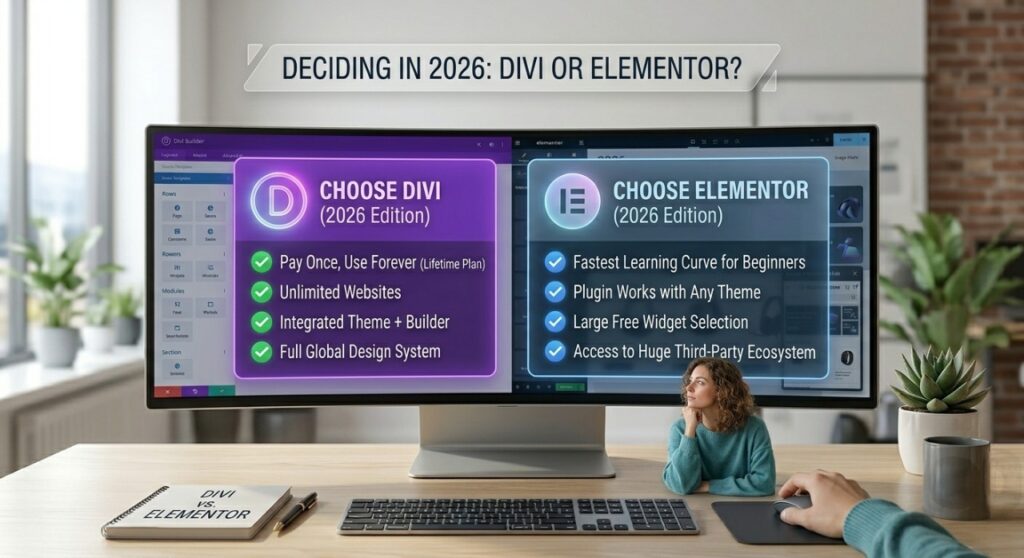
Choose Divi if:
- You want to pay once and never pay again (lifetime plan)
- You are building multiple websites
- You want a full website design system with global styles
- You already have an Elegant Themes subscription
- You prefer having one tool that handles your theme AND your builder
Choose Elementor if:
- You are a complete beginner and want the fastest learning curve
- You want a free option to start with
- Your current theme is one you love and do not want to replace
- You want access to a large third-party plugin ecosystem
- You are building a single website and want the simplest setup
Already Using Divi? Get More From It With Premium Templates
If you decided on Divi — or if you are already using it on your WordPress site — the biggest time-saver is starting with a professionally designed template instead of building from scratch.
DigiHomeStore carries a curated collection of premium Divi and WordPress templates designed specifically for digital creators, freelancers, and online stores. Instead of spending days designing, you import a template, swap in your content, and launch.
Browse the WordPress & Divi template collection at DigiHomeStore.com — or read our post on ChatGPT Prompts for Freelancers: 10 That Actually Work if you also want to improve your freelance and marketing game.
Elegant Themes All-in-One Pack – Divi, Extra Theme, Divi Builder, Bloom & Monarch Plugins with Licensed Keys [Lifetime Access]
Original price was: ₨4,999.00.₨1,999.00Current price is: ₨1,999.00.
Add to cart
Final Verdict: Divi vs Elementor in 2026
Both Divi and Elementor are mature, capable page builders that can produce stunning websites in 2026. The debate between them is much closer than it was three or four years ago — both have addressed their weaknesses and are genuinely excellent tools.
If you are building a long-term business and want the best value, Divi’s lifetime plan is hard to beat. If you are just starting out and want the simplest possible entry point, Elementor Free gives you a real page builder at zero cost.
The most important thing is not which builder you choose — it is that you start building. A live website with Elementor Free beats a perfect website still sitting in your drafts. Pick one, commit to it, and build something. If you are using Divi vs Elementor as an ongoing debate to delay launching, that is the real problem to solve.